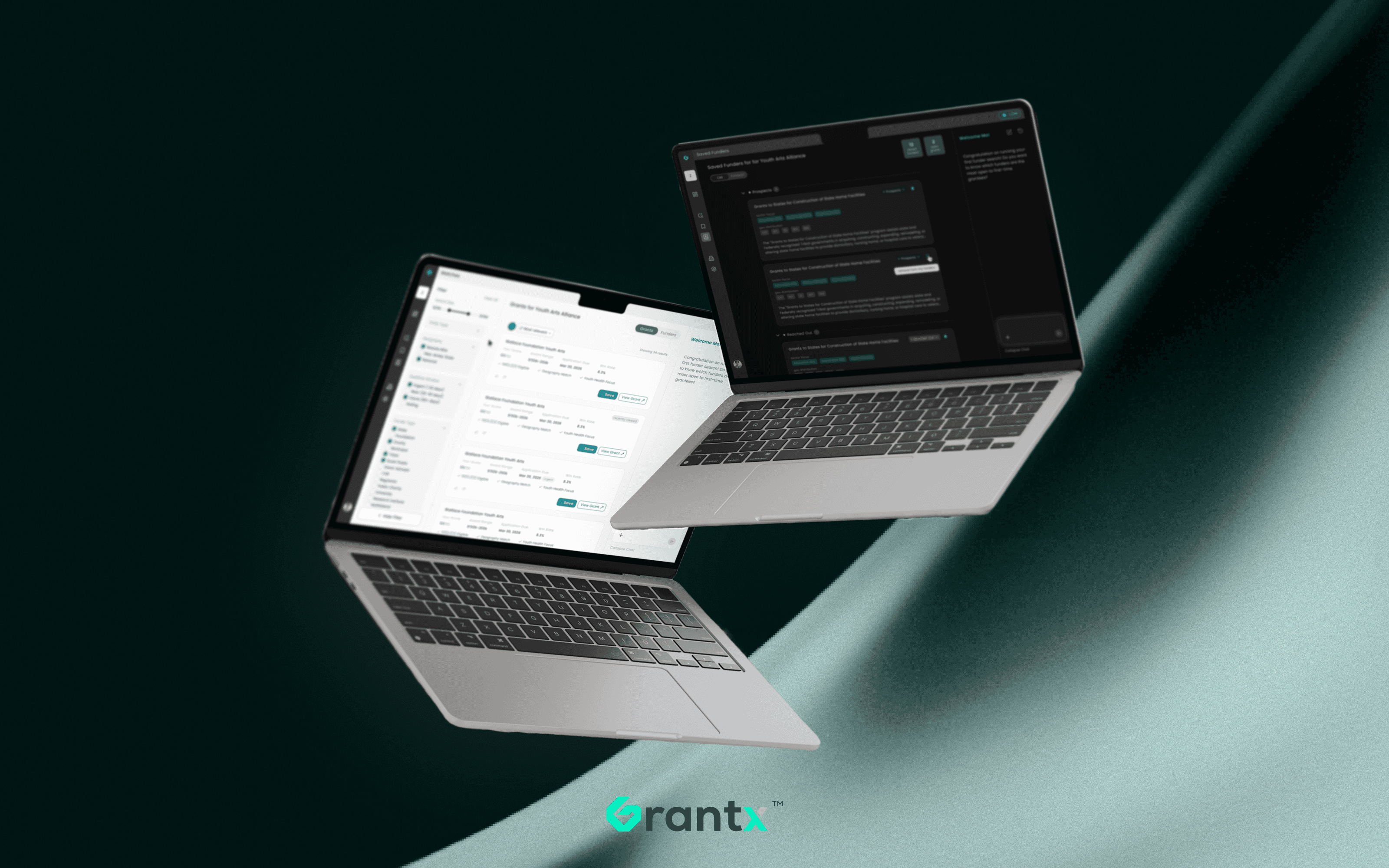
Grantx - B2B Agentic AI Funding Platform
How do you get a small nonprofit to bet weeks of work on a grant an AI picked?
AI
B2B
Product Design
Design System
User Research
about grantx
High-impact projects stall on grant complexity, not vision.
Grantx uses predictive AI to surface the right funding in minutes, not weeks.
ROLE
Founding Designer,
0→1
TEAM
2 Design,
1 PM,
2 Data Sci,
3 FS,
2 ML
TOOL




COMPANY
Grantx
COMPANY
Grantx
YEAR
2025 – 2026
The Funding Trap.
Databases go stale and matching runs on keywords, so a real fit takes weeks to surface. The smallest organizations need funding most, yet have the least time to go find it.

We Achieved.
user growth since v1
better match accuracy
to a funding strategy
Grant Process, Before and After.

The Design Problem.
Grantx could already match an organization with the right funders in a few minutes. The harder part was getting people to act on those matches. A single application can take 20 to 30 hours, and a grant writer at a small nonprofit isn't going to put that kind of time into a match they're not sure about.
My job as the founding designer was to make the reasoning behind every match clear enough to act on.
User Persona.
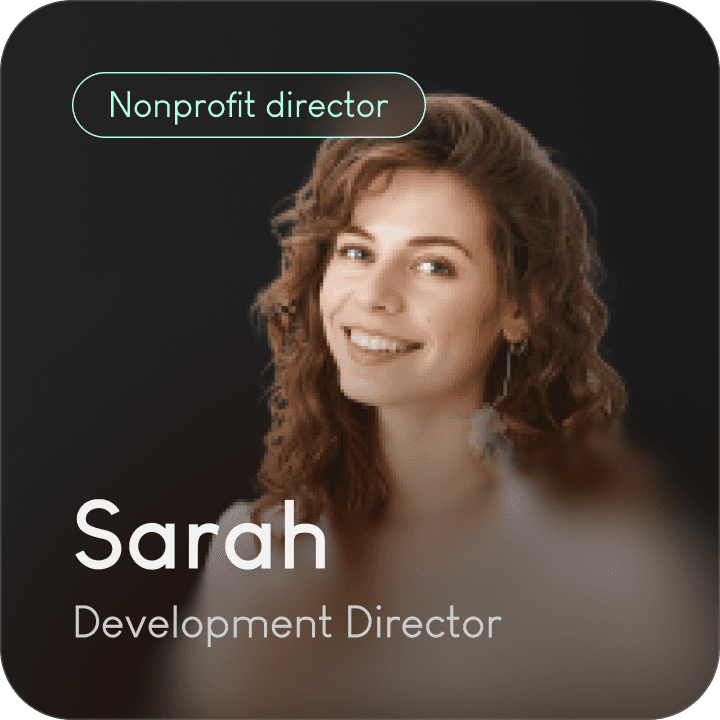


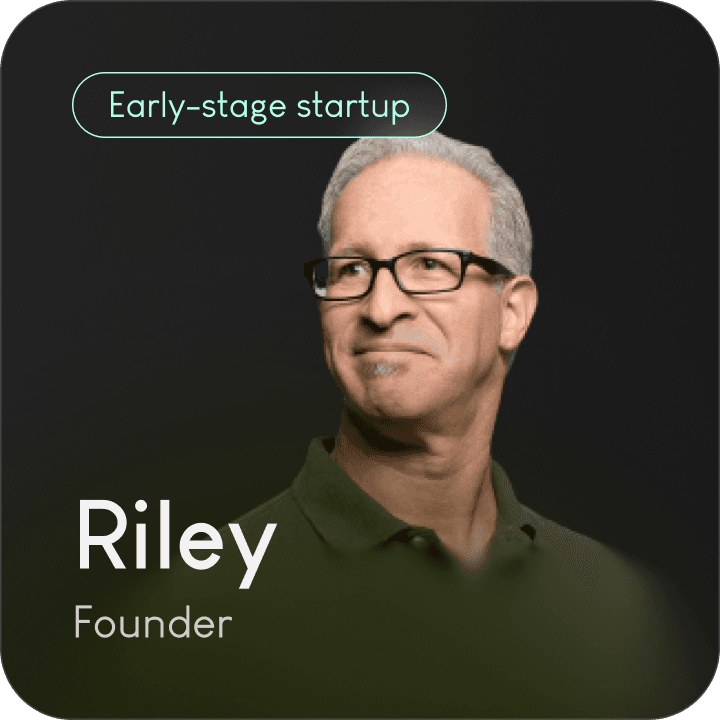
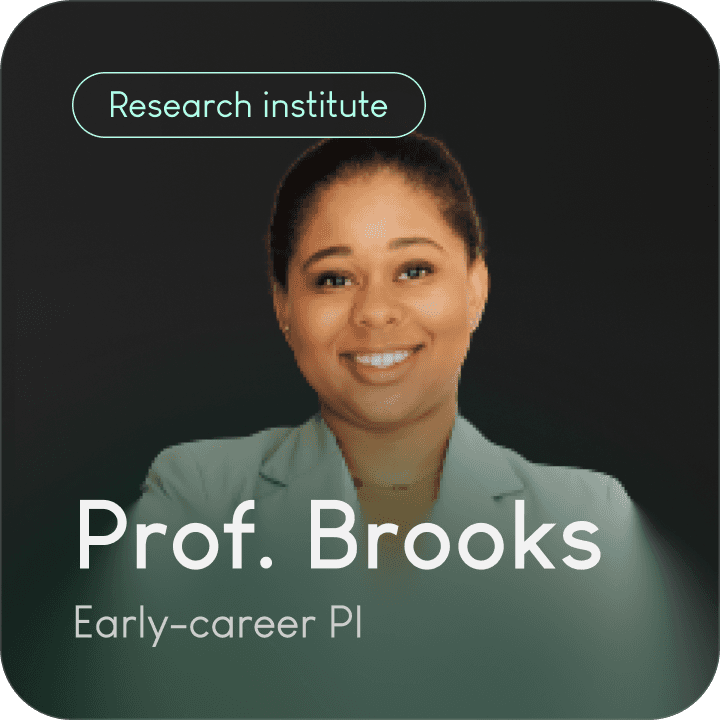

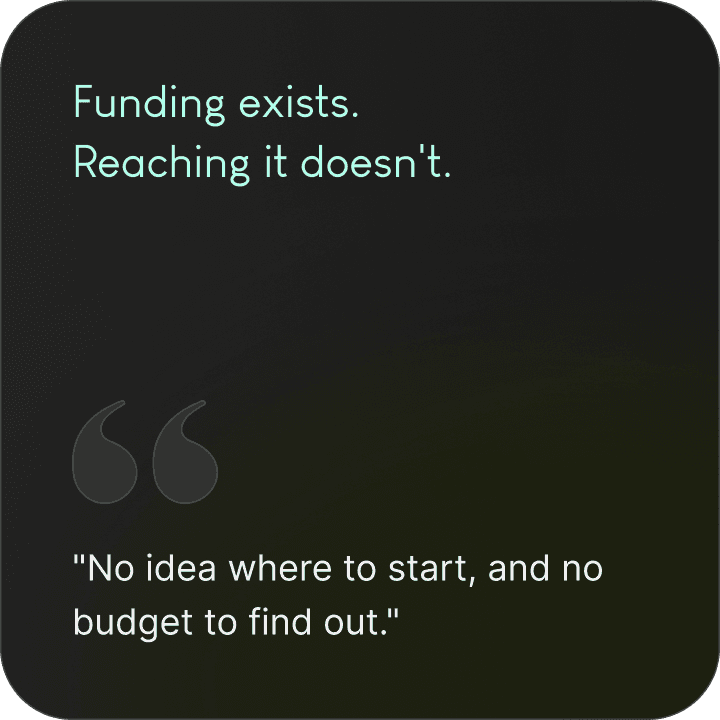

Trust is built before the results.
People only act on a match if they trust the AI behind it, and that trust doesn't come from the results alone. It's built in every moment the AI shows up. I'll walk through three of those moments.
How an AI match is presented
How the AI builds an organization's profile during onboarding
How the AI agent works as a personal assistant
01 · Match results
Proof beats a black box AI-generated score.
Behind every match, our algorithm ranks grants/funders by how well they fit an organization, and turns that into a score. The design question was how to show people a match was actually a good one. The score seemed like the obvious answer, since it was exactly what the AI thought of each grant.
Before
We showed the score, then broke it into parts. But even with the breakdown, it wasn't enough for people to trust the result.

WHAT SHIPPED
Instead of a score, each match leads with a sentence explaining why the grant fits.
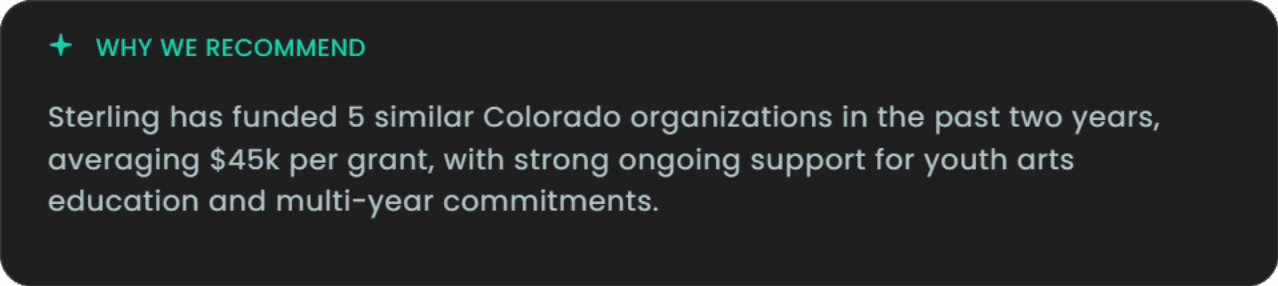
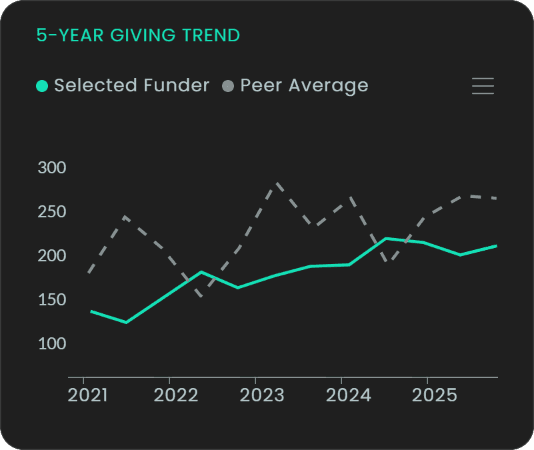
And every claim in that sentence is backed by the funder's real giving history, so people can see what the AI saw.


02 · Onboarding
Transparency ≠ showing everything.
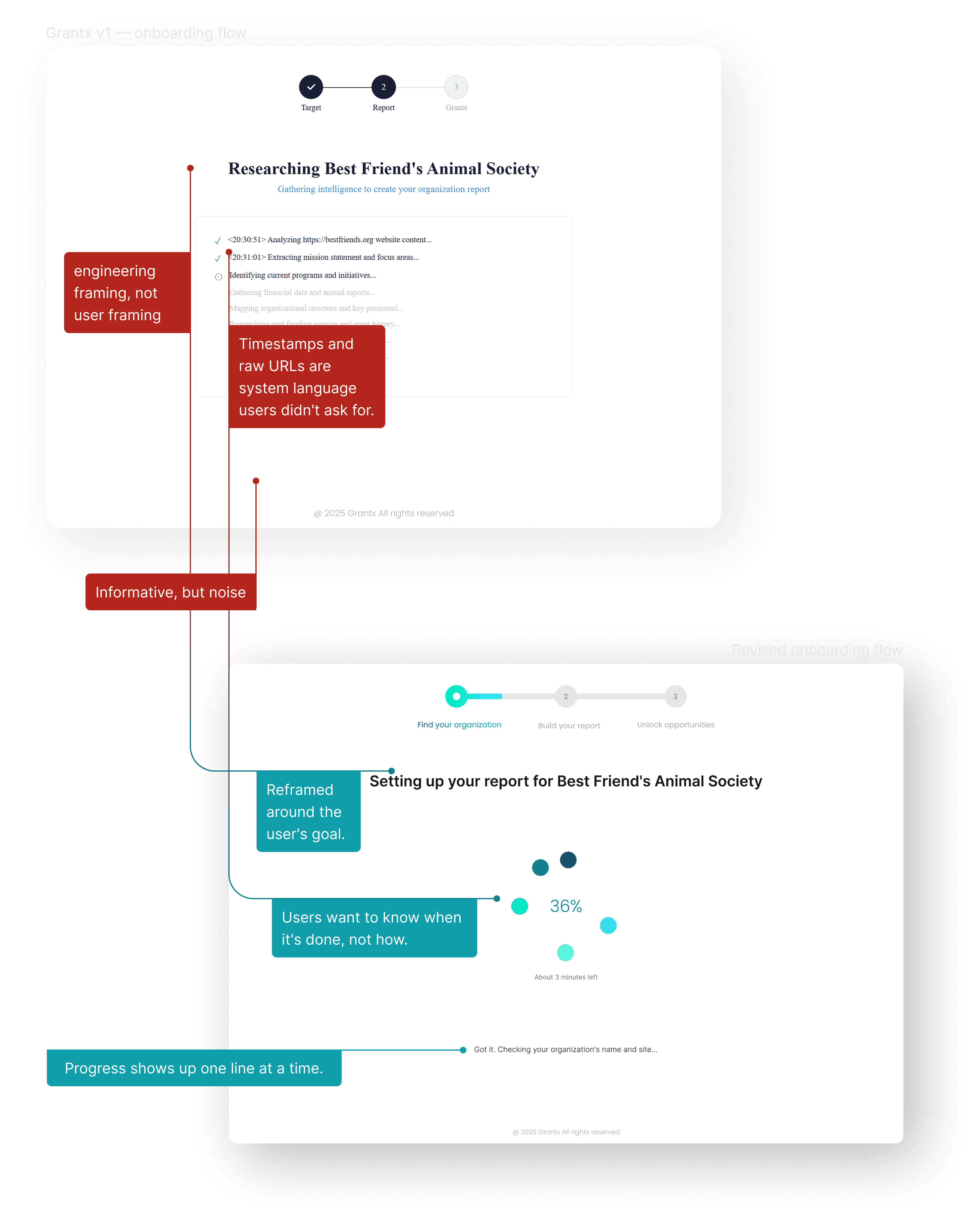
During onboarding, the AI researches an organization online to build its profile. Engineering's first version streamed every backend step to the screen in the name of transparency.
But to most users it was just a wall of technical logs, and a process they couldn't follow was hard to trust. I kept the steps visible but rewrote each one in plain language, so the transparency actually worked this time.
03 · AI agent
Avoid false intimacy.
The agent works as a personal assistant inside Grantx, running searches and building funding strategies for the user. The easy move was to give it a personality. But for people making real funding decisions, an agent that feels human isn't more trustworthy.
the RESEARCH
"Prioritize smarts over sentiences to increase trust with AI."
the NAME
Sunny felt like a person, not something you'd trust to actually get the job done.
Ruled out
Sunny
Named
AI Grant Professional
The agent
The agent always shows what it's doing, whether it's idle, working, or delivering, even when collapsed in the nav bar.
"/><stop offset="1" stop-color="rgb(3, 181, 189)"/></linearGradient></defs><g d="M 14.884 11.372 C 17.873 14.291 14.209 17.813 11.248 14.922 C 10.014 13.718 8.891 12.074 7.981 10.521 C 7.075 12.061 5.961 13.686 4.74 14.878 C 1.75 17.797 -1.857 14.219 1.104 11.328 C 2.414 10.049 4.232 8.89 5.908 7.974 C 4.24 7.061 2.434 5.907 1.132 4.636 C -1.828 1.745 1.779 -1.833 4.768 1.085 C 6.143 2.428 7.236 3.919 8.34 6.018 C 8.628 6.565 9.025 7.444 9.025 7.444 L 9.832 7.884 C 9.832 7.884 13.509 10.029 14.884 11.372 Z M 15.194 4.172 C 14.217 5.126 10.938 6.781 9.96 5.827 C 8.983 4.872 10.678 1.67 11.655 0.716 C 12.642 -0.239 14.208 -0.239 15.194 0.716 C 15.663 1.169 15.927 1.792 15.927 2.444 C 15.927 3.095 15.663 3.719 15.194 4.172 Z" fill="transparent" height="16.000047715871315px" id="z8j6ELkMF" width="15.995572562696397px"><path d="M 14.884 11.372 C 17.873 14.291 14.209 17.813 11.248 14.922 C 10.014 13.718 8.891 12.074 7.981 10.521 C 7.075 12.061 5.961 13.686 4.74 14.878 C 1.75 17.797 -1.857 14.219 1.104 11.328 C 2.414 10.049 4.232 8.89 5.908 7.974 C 4.24 7.061 2.434 5.907 1.132 4.636 C -1.828 1.745 1.779 -1.833 4.768 1.085 C 6.143 2.428 7.236 3.919 8.34 6.018 C 8.628 6.565 9.025 7.444 9.025 7.444 L 9.832 7.884 C 9.832 7.884 13.509 10.029 14.884 11.372 Z" fill="url(%23T0Y7wbjds-3441764985-linear-gradient)" height="16.000047715871315px" id="T0Y7wbjds" width="15.995572562696397px"/><path d="M 5.527 4.172 C 4.55 5.126 1.271 6.781 0.294 5.827 C -0.684 4.872 1.011 1.67 1.988 0.716 C 2.975 -0.239 4.541 -0.239 5.528 0.716 C 5.996 1.169 6.261 1.792 6.261 2.444 C 6.261 3.095 5.996 3.719 5.528 4.172 Z" fill="rgb(17, 131, 143)" height="6.113067136339835px" id="QRjFMWsxg" transform="translate(9.667 0)" width="6.260606896356057px"/></g></svg>)
Less data, faster decisions.
Trusting a match is the first step. Deciding whether to apply is the next, and that's where the data comes in. Our users were already overwhelmed, so every extra number made that decision harder, not easier.
Only show the data that matters to users.
Before
At first we showed every number we had, but users barely looked at most of it.


WHAT SHIPPED
A few rounds of user interviews cut it down to only what users needed to decide.


Make it clear at a glance.
Don't make users think twice about what a number means.

One system behind every screen.
Everything above runs on one design system. With 6 engineers shipping fast, there was no time to design every screen from scratch, so I built a library of 50+ components that design and engineering shared.
Token
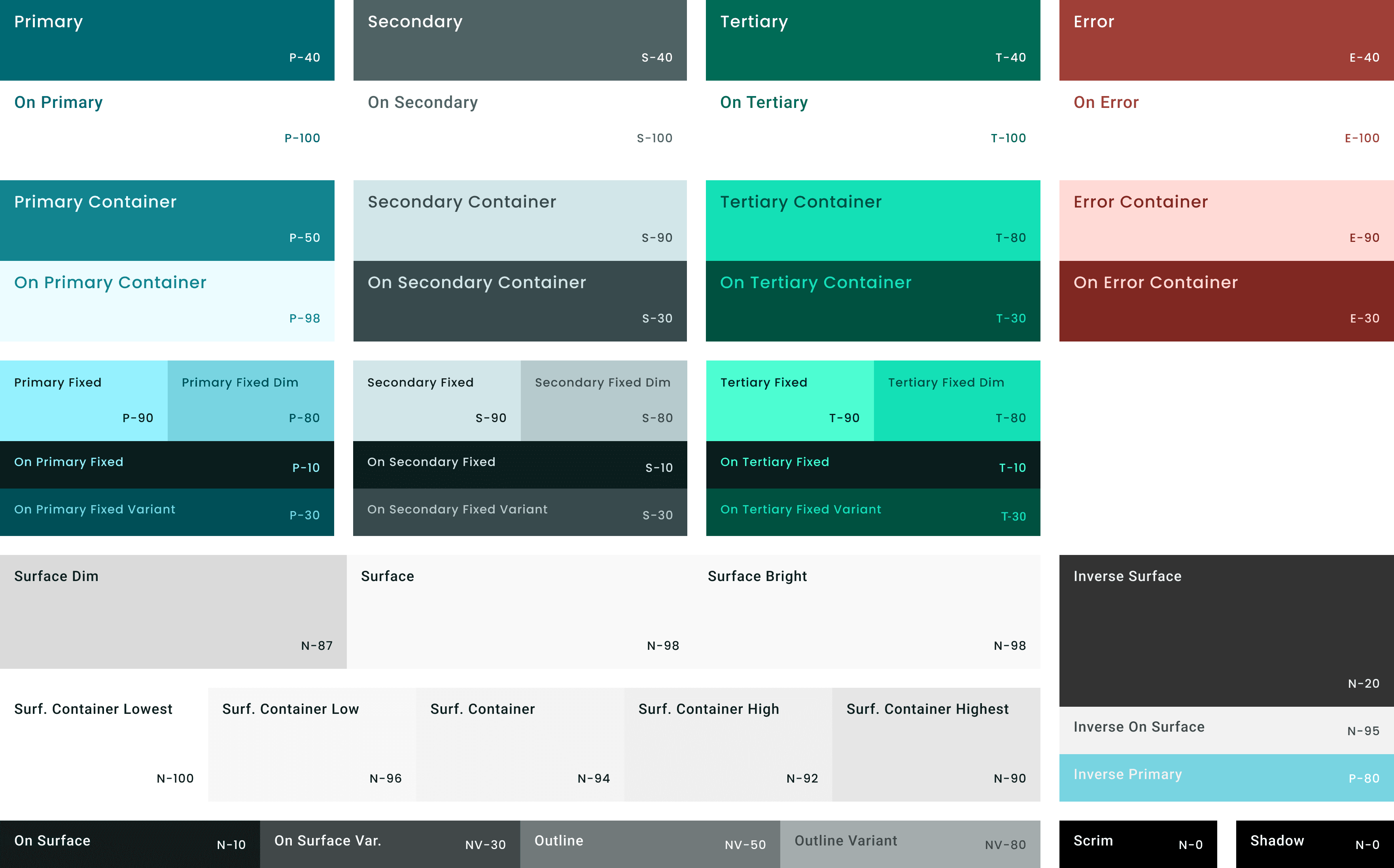
Color
Built on Material 3's color roles, for light and dark mode, starting from Grantx's brand teal.

Molecule
GRANTX SPECIFIC
Assembled from those same atoms and tokens, into the components that actually built the product.
Wallace Foundation Youth Arts
Your Score:
84
/100
Award Range:
$150k-200k
Application Due:
Mar 30, 2026
Win Rate:
8.3%
501(c)(3) Eligible
Geography Match
Youth Health Focus
Save
View Grant
My Role
Being the first designer in the room.
